Viewing and Editing App Info from the Terminal
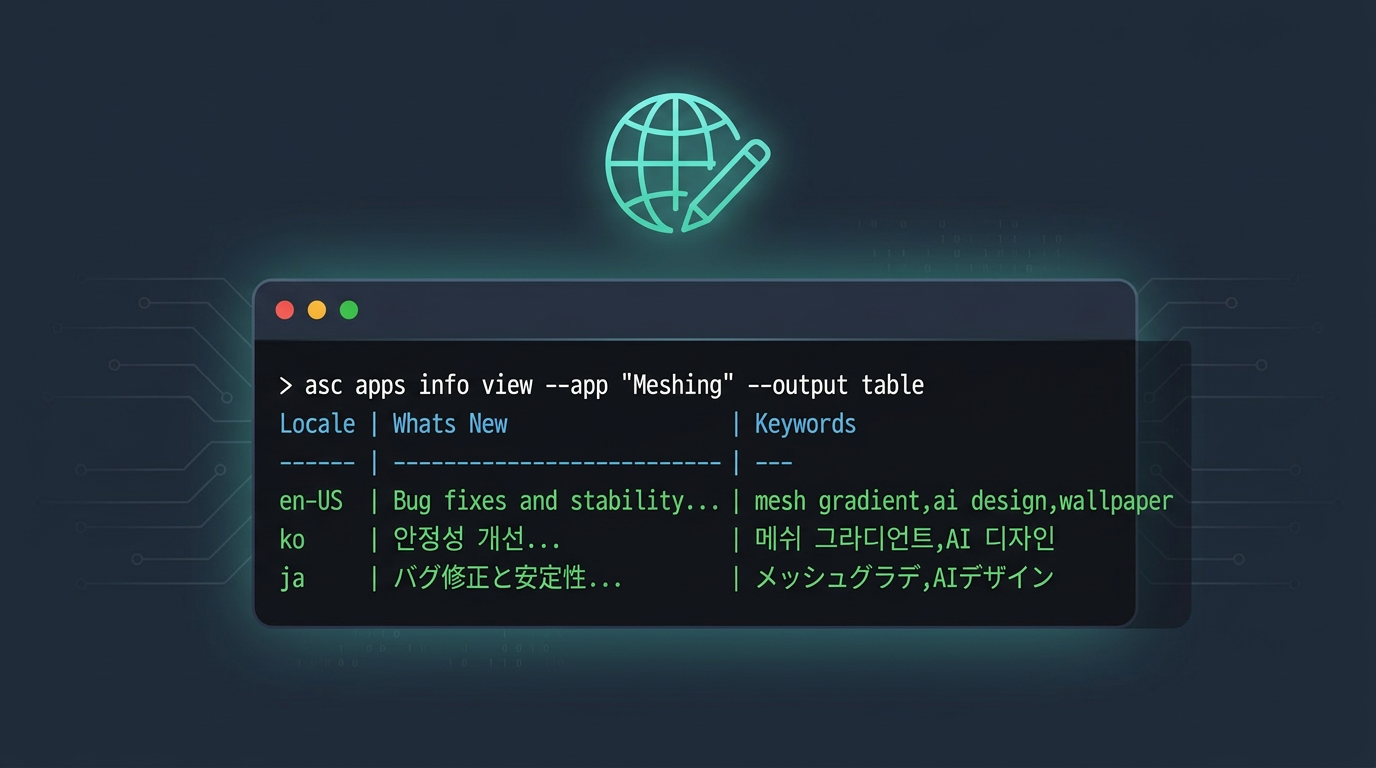
Meshing ships in five locales. Chroma ships in eleven. Every time I cut a release, I update the whatsNew text for each locale. In App Store Connect, that means clicking into the version, picking a locale, editing the field, saving, picking the next locale, and repeating. For Chroma, that is eleven rounds. It is not hard, but it is slow and easy to forget one until I end up with a red box of error when I submit for review.
asc apps info gives me a way to view and edit all of that from the terminal. But there are a few things I learned from experience and some related commands that round out the workflow.
Which Version Are You Looking At?
Meshing currently has two versions on the account, one live and one rejected:
asc apps info list --app "6567933550" --output table
┌──────────────────────────────────────┬─────────────────┬────────────────────────┬────────────┐
│                  ID                  │ App Store State │         State          │ Age Rating │
├──────────────────────────────────────┼─────────────────┼────────────────────────┼────────────┤
│ 53ed313f-8dfa-4c57-ba72-5022d5307158 │ READY_FOR_SALE  │ READY_FOR_DISTRIBUTION │ FOUR_PLUS  │
│ 4e881263-9a3d-4caf-a971-b9e5843e8b8f │ REJECTED        │ REJECTED               │ FOUR_PLUS  │
└──────────────────────────────────────┴─────────────────┴────────────────────────┴────────────┘
When I run asc apps info view without specifying a version, it picks the most recently created one. In this case, that is the REJECTED version, not the live one. If I expected to see what is currently on the App Store, I would be looking at the wrong data.
To be explicit:
asc apps info view --app "6567933550" --version "2.2.1" --platform IOS --output table
I got into the habit of always passing --version after I edited the wrong version once. It takes another action for your agent to remove the guessing part.
Pulling Metadata to Disk First
In the previous post I showed asc metadata pull to snapshot metadata into local JSON files. Before editing, I always start there:
asc metadata pull --app "6567933550" --version "2.2.1" --dir "./metadata"
That gives me per-locale JSON files for both version metadata (description, keywords, and whatsNew) and app-info metadata (name, subtitle, privacy policy URL). One detail I did not mention before: metadata pull refuses to overwrite existing files unless I pass --force. That keeps the "pull first" habit safe. If I want to refresh the directory after a round of edits, I opt in explicitly:
asc metadata pull --app "6567933550" --version "2.2.1" --dir "./metadata" --force
Now I have a clean baseline in git. I can diff against it later.
Checking Localizations Before Editing
With the metadata on disk, I also check what locales exist on the server. asc apps info view shows version metadata (whatsNew, keywords), but app-info localizations are a different surface. For those, I use:
asc localizations list --app-info "53ed313f-8dfa-4c57-ba72-5022d5307158" --type app-info --output table
┌─────────┬────────────────────────────────────────────────────┬──────────────────────────────────────┬─────────────────────────────────────────────────┐
│ Locale  │                        Name                       │               Subtitle               │               Privacy Policy URL                │
├─────────┼────────────────────────────────────────────────────┼──────────────────────────────────────┼─────────────────────────────────────────────────┤
│ zh-Hans │ AI 网格渐变工具:Meshing                           │ 设计鲜艳的色彩图案                   │ https://www.rudrank.com/meshing-privacy-policy/ │
│ zh-Hant │ AI 網格漸層工具:Meshing                           │ 設計鮮豔的色彩圖案                   │ https://www.rudrank.com/meshing-privacy-policy/ │
│ ja      │ AIメッシュグラデ生成ツール: Meshing                │ 鮮やかなカラーパターンデザインツール │ https://www.rudrank.com/meshing-privacy-policy/ │
│ ko      │ 디자인을 위한 AI 메쉬 그라디언트 생성기 도구: 메싱 │ 생동감 있는 색상 패턴 디자인         │ https://www.rudrank.com/meshing-privacy-policy/ │
│ en-US   │ Gradient Wallpapers: Meshing                       │ Aesthetic wallpaper generator        │ https://www.rudrank.com/meshing-privacy-policy/ │
└─────────┴────────────────────────────────────────────────────┴──────────────────────────────────────┴─────────────────────────────────────────────────┘
That gives me the subtitle and name for each locale in one view. If an app has multiple app-info records (like Meshing with its live and rejected versions), the CLI will tell me to pick one explicitly instead of guessing. That error is helpful because it forces me to be precise about which record I am inspecting.
For version metadata, I already have apps info view:
asc apps info view --app "6567933550" --locale "en-US,ko" --output table
┌────────┬─────────────────────────────────────────────────┬────────────────────────────────────────────────────────────────────────────────────────────────────┐
│ Locale │                    Whats New                    │                                              Keywords                                              │
├────────┼─────────────────────────────────────────────────┼────────────────────────────────────────────────────────────────────────────────────────────────────┤
│ en-US  │ What's New in Meshing 2.2.1 ...                 │ mesh gradient,ai design,wallpaper,iphone wallpaper,4k wallpapers,vellum wallpapers,cool wallpapers │
│ ko     │ Meshing 2.2.1의 새로운 기능 ...                   │ 메쉬 그라디언트,AI 디자인,배경화면,색상 팔레트,그라디언트                                          │
└────────┴─────────────────────────────────────────────────┴────────────────────────────────────────────────────────────────────────────────────────────────────┘
Between these two commands, I know exactly what locales exist and what they contain before I start editing.
The Fields You Can and Cannot Edit
Not every field is editable at every stage. I learned this with Foundation Lab as it is in PREPARE_FOR_SUBMISSION, and I tried to set the whatsNew text:
asc apps info edit --app "6747745091" --locale "en-US" \
  --whats-new "Explore the power of Apple frameworks with hands-on experiments."
Error: Attribute 'whatsNew' cannot be edited at this time
The API locks whatsNew until a build is attached to the version. Keywords and description work fine in that state:
asc apps info edit --app "6747745091" --locale "en-US" \
  --keywords "swift,apple,frameworks,foundation,experiments" --output table
Warning: locale en-US is missing submit-required fields: description, supportUrl.
         This may block `asc submit create`.

┌────────┬───────────┬───────────────────────────────────────────────┐
│ Locale │ Whats New │                   Keywords                    │
├────────┼───────────┼───────────────────────────────────────────────┤
│ en-US  │           │ swift,apple,frameworks,foundation,experiments │
└────────┴───────────┴───────────────────────────────────────────────┘
Two things to notice. First, the CLI warns about missing submit-required fields. If description or support URL are empty, the submission will fail later. Catching that here is much better than finding out during asc submit create. Second, the success output shows the updated metadata as a table so I can verify immediately without running info view again.
Editing Multiple Locales at Once
Meshing has five locales:
asc apps info edit --app "6567933550" --locales "en-US,ko,ja,zh-Hans,zh-Hant" \
  --whats-new "Bug fixes and stability improvements"
In the AI world, it is better to translate the text in the respective language but if you prefer to have English, you can use one command instead of five rounds of clicking for each locale. For Chroma with its eleven locales, the savings are even bigger:
asc apps info edit --app "1500196580" \
  --locales "en-US,ja,ko,zh-Hans,zh-Hant,fr-FR,de-DE,it,es-ES,pl,pt-BR" \
  --whats-new "New visual refresh with a clean, flat design and refined typography."
I do this when pushing a structural placeholder before going back to update each locale with its translated text.
Previewing with Dry Run
Before pushing anything to multiple locales, I preview what the command plans to do:
asc apps info edit --app "6567933550" --locales "en-US,ko" \
  --whats-new "Bug fixes" --dry-run --output table
┌────────┬────────┬─────────┬──────────────────────────────────────┬───────┐
│ Locale │ Action │ Status  │           Localization ID            │ Error │
├────────┼────────┼─────────┼──────────────────────────────────────┼───────┤
│ en-US  │ update │ planned │ ebed9142-2463-4e59-93e2-23b73db03f35 │       │
│ ko     │ update │ planned │ 231d0172-4ae7-4feb-8470-a4dd9439e8f6 │       │
└────────┴────────┴─────────┴──────────────────────────────────────┴───────┘
Each row shows what locale it would touch, what action it would take, and whether it found an existing localization. The Error column stays empty when everything looks good. If something is wrong, like a locale that does not exist yet or a version that does not allow edits, the error shows up here instead of failing halfway through.
Nothing gets written during a dry run. I use this every time I edit more than one locale.
Adding a New Locale
When I add a locale for the first time, App Store Connect requires certain fields: description, keywords, and support URL. Instead of typing all of them out, I copy from an existing locale and just set what is different:
asc apps info edit --app "6567933550" --locale "fr-FR" \
  --copy-from-locale "en-US" --whats-new "Corrections de bugs"
This pulls description, keywords, and support URL from en-US into fr-FR, then sets the French whatsNew text. One thing to know: --copy-from-locale only works with --locale in single-locale mode, not with --locales. That makes sense because each new locale usually needs its own translated whatsNew value.
Pushing Metadata from Local Files
If I edited the pulled metadata files locally, I can push everything back with metadata push:
asc metadata push --app "6567933550" --version "2.2.1" \
  --dir "./metadata" --dry-run --output table
┌────────┬──────────────────────────────┬─────────┬────────┬─────────┬──────────┬─────────────────────┬───────────────────────────────────────────┬──────────────────────────────────────┐
│ change │             key              │  scope  │ locale │ version │  field   │       reason        │                  from                     │                  to                  │
├────────┼──────────────────────────────┼─────────┼────────┼─────────┼──────────┼─────────────────────┼───────────────────────────────────────────┼──────────────────────────────────────┤
│ update │ version:2.2.1:en-US:whatsNew │ version │ en-US  │ 2.2.1   │ whatsNew │ field value differs │ What's New in Meshing 2.2.1\n\n*Mesh... │ Bug fixes and stability improvements │
└────────┴──────────────────────────────┴─────────┴────────┴─────────┴──────────┴─────────────────────┴───────────────────────────────────────────┼──────────────────────────────────────┘

┌─────────────────────┬─────────┬───────┐
│      operation      │  scope  │ count │
├─────────────────────┼─────────┼───────┤
│ update_localization │ version │ 1     │
└─────────────────────┴─────────┴───────┘
The diff table shows every field that differs between local and remote, with the old and new values. The summary at the bottom counts the planned operations. Once it looks right, I drop --dry-run to apply.
This is the workflow I like best for bigger changes: pull, edit in a text editor, commit to git, push back. The metadata changes end up in version control, and I can see exactly what changed in each release.
One safety detail: metadata push will not delete remote locales that are missing locally unless I explicitly pass --allow-deletes --confirm. That default keeps accidental deletions from happening.
Diffing Keywords Before Applying
Keywords have their own diff workflow through asc metadata keywords. After pulling metadata and editing the keyword field in a locale file, I can see exactly what changed:
asc metadata keywords diff --app "6567933550" --version "2.2.1" \
  --dir "./metadata" --output table
┌────────┬──────────────────────────────┬─────────┬────────┬─────────┬──────────┬─────────────────────┬──────────────────────────────────────────────────┬──────────────────────────────────────────────────┐
│ change │             key              │  scope  │ locale │ version │  field   │       reason        │                       from                       │                        to                        │
├────────┼──────────────────────────────┼─────────┼────────┼─────────┼──────────┼─────────────────────┼──────────────────────────────────────────────────┼──────────────────────────────────────────────────┤
│ update │ version:2.2.1:en-US:keywords │ version │ en-US  │ 2.2.1   │ keywords │ field value differs │ mesh gradient,ai design,wallpaper,iphone wall... │ mesh gradient,ai design,wallpaper,iphone wallp... │
└────────┴──────────────────────────────┴─────────┴────────┴─────────┴──────────┴─────────────────────┴──────────────────────────────────────────────────┴──────────────────────────────────────────────────┘
The from/to columns show the old and new keyword lists side by side. This is where I catch the common mistakes: a repeated term in a slightly different form, old words that no longer match the current release, or a keyword I removed locally but forgot is still live.
A real example: Chroma has eleven locales, and every single one has the same English keywords:
de-DE: match colors,rgb,color mixer,color snap,color match,color wheel,hsb,color exploration,color harmony
en-US: match colors,rgb,color mixer,color snap,color match,color wheel,hsb,color exploration,color harmony
ja:    match colors,rgb,color mixer,color snap,color match,color wheel,hsb,color exploration,color harmony
ko:    match colors,rgb,color mixer,color snap,color match,color wheel,hsb,color exploration,color harmony
pl:    match colors,rgb,color mixer,color snap,color match,color wheel,hsb,color exploration,color harmony
...
That is wasted keyword budget. Japanese and Korean users are not searching "color mixer" in the App Store. Compare with Zenther, where each locale has properly translated keywords: en-US has "calorie calculator", ja has "カロリー計算", ko has "칼로리 계산기". Pulling the metadata and scanning the keyword files across locales makes this kind of waste obvious in a way that clicking through the website never does.
Once the diff looks right, I apply just the keyword changes:
asc metadata keywords apply --app "6567933550" --version "2.2.1" \
  --dir "./metadata" --confirm
keywords apply only touches the keywords field, nothing else. That matters because I might have other pending metadata changes that are not ready yet. The split between diff and apply keeps review separate from mutation: I look first, then push when I am confident.
The Release-Day Checklist
My metadata workflow for a release:
asc metadata pullto get everything on disk.asc localizations listto verify which locales exist.- Edit the
whatsNewtext and keywords in the local files. asc metadata keywords diffto review keyword changes.asc metadata push --dry-runto preview the full changeset.asc metadata pushto apply.asc apps info viewto confirm the update.
The whole thing takes about a minute for Meshing's five locales. For Chroma's eleven, maybe two. Either way, the changes are in git. In App Store Connect, the same update takes longer and leaves no trace of what was there before.
Happy shipping!