Auth issues with the App Store Connect API tend to surface in the wrong place. A metadata push fails, or a build upload gives a vague error, and you spend time debugging that instead of looking at the actual problem: a moved .p8 file, a stale env var, or a config with bad permissions.
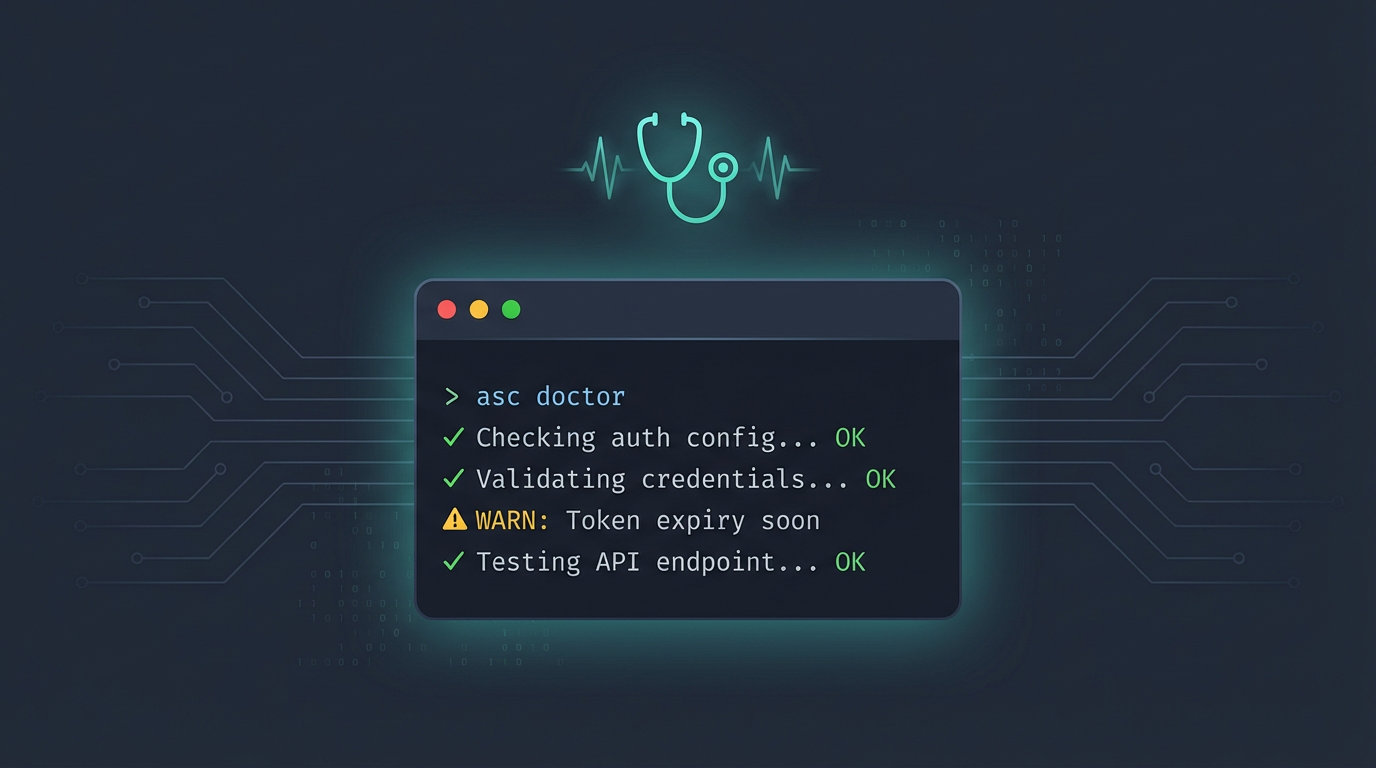
asc doctor is a single command that walks through your entire auth setup and tells you what is off:
asc doctor
Here is what it looks like when everything is healthy:
Auth Doctor

Storage:
  [OK] System keychain is available
  [OK] Config file exists at /Users/rudrank/.asc/config.json

Profiles:
  [OK] FoundationLab - complete (keychain) [default]

Private Keys:
  [OK] FoundationLab - valid private key stored in keychain

Temp Files:
  [OK] No orphaned temp key files found

Migration Hints:
  [INFO] No Appfile/Fastfile/Deliverfile detected in common fastlane locations

No issues found.
When something is wrong, those [OK] lines turn into [WARN] or [FAIL] with a recommendation for what to do about it.
What It Looks At
Doctor goes through six sections:
Storage: It checks if keychain is available or does your config file exist? Are the permissions too open? If you have full credentials sitting in the config while keychain is right there, it flags that.
Profiles: It lists every stored credential entry. Marks the incomplete ones. Warns if you have duplicate profile names in your config, something I did not realize I had until doctor pointed it out. If you manage apps across multiple teams or clients and have several asc auth login profiles, doctor really helps in this case. It shows you every profile at a glance, which one is the default, and whether any of them are missing a key ID, issuer, or private key.
Private Keys: It validates each .p8, whether it lives in keychain or on disk. Checks that key files exist, are not directories, have safe permissions, and contain valid ECDSA material. A corrupt key shows up here, not three commands later as a mystery error.
Environment: It reports which ASC_* variables are set. Warns if they are incomplete, like having ASC_KEY_ID but no ASC_ISSUER_ID. And it catches a sneaky one: when your env vars and your stored default profile disagree on key ID or issuer ID.
Temp Files: This looks for orphaned asc-key-*.p8 files sitting in your temp directory. Leftover secrets from previous runs that should not be there.
Migration Hints: It scans your repo for fastlane artifacts like Appfile and Fastfile, then suggests equivalent asc commands. If you are moving off fastlane, this saves a bunch of manual mapping.
Mixed Credentials
This is the one that has saved me the most headaches. The CLI resolves credentials from multiple places, keychain, config, env, and as many dozens of tests I have for it, there are rare cases when it can silently combine them.
That is usually fine. Until the key ID comes from env and the issuer comes from keychain, and they belong to different teams.
Doctor catches that mismatch directly. You will see a warning telling you to either use --profile to be explicit or clean up the env.
This pairs well with --strict-auth, which turns that mismatch into a hard error at runtime. But doctor is where you find out the problem exists in the first place.
Fixing Things Automatically
Some of the issues doctor finds, file permissions, orphaned temp keys, it can fix for you:
asc doctor --fix --confirm
You need both flags. It will chmod 600 your config and key files if they are too open, and clean up orphaned .p8 temp files. Everything else it just gives you a recommendation.
In CI
You can also use asc doctor in GitHub Actions workflow. A case where you set ASC_KEY_ID and ASC_ISSUER_ID but forgets the private key source? You get a clear warning. A runner where keychain is not available? It tells you to set ASC_BYPASS_KEYCHAIN=1.
For automation, there is JSON output:
asc doctor --output json
You get every section, a summary with counts of OK/WARN/INFO/FAIL checks, a recommendations array, and migration hints. Exit code is non-zero only on actual errors. The warnings still pass, so you can gate on severity.
Doctor vs Status
Quick distinction since they sound similar:
asc auth status --validate hits the App Store Connect API and tells you "do my credentials work right now?"
asc doctor answers a broader question on "is my auth setup healthy?"
Everything about file permissions, env consistency, orphaned secrets, credential mismatches, migration signals.
I run auth status --validate when I want to confirm a live connection. I run doctor when something feels off and I do not know where to look.
Happy shipping!